












































































































































































































































































PCB Tools Navigator - The World's Largest PCB Design Software Directory
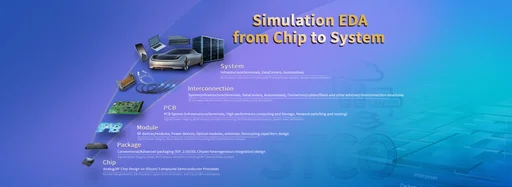
PCBTool.Net is a professional PCB design tools recommendation platform, curating 300+ PCB design software and EDA tools worldwide. Whether you're looking for schematic capture tools, PCB Layout software, circuit simulation tools, or Gerber viewers, we've got you covered.
Why Choose PCBTool.Net?
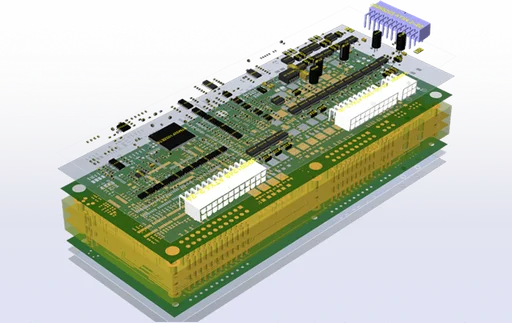
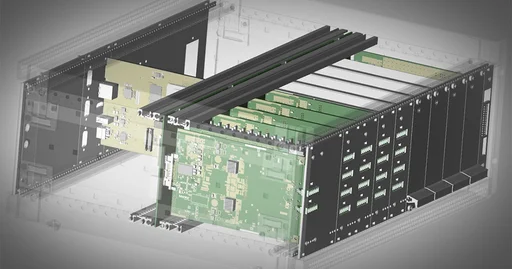
We've collected everything from free PCB software to commercial-grade 3D PCB design solutions, including domestic EDA tools from China and open-source PCB design projects. Whether you care about schematic capture, netlist generation, DRC checks, CAM processing, component library management, signal integrity analysis, thermal simulation, or DFM checks, PCBTool.Net helps you quickly compare and find the perfect tool.
🎯 FAQ
- What PCB design software should beginners use? For beginners, KiCad (free, open-source) and EasyEDA Std (browser-based) are ideal starting points. Both have active communities, comprehensive tutorials, and require no upfront payment to learn.
- What are the best Altium Designer alternatives? Top free Altium alternatives include KiCad (open-source, professional-grade), Altium CircuitStudio alternatives like DipTrace and EAGLE, and browser-based options like EasyEDA Pro. See the Schematic & PCB category for full comparisons.
- KiCad vs Eagle comparison? KiCad is fully free and open-source with no limitations, ideal for unlimited board sizes and commercial use. EAGLE (now owned by Autodesk) is more beginner-friendly but has a free version with limited board area (80×100mm). For professional work, KiCad is generally preferred.
- What are the best online PCB design tools? The best online PCB design tools include EasyEDA Std (free, integrated with LCSC components and JLCPCB manufacturing), JLCEDA Pro (Chinese-language alternative with manufacturing integration), and CircuitMaker by Altium (free with community sharing). All run in your browser with no installation.
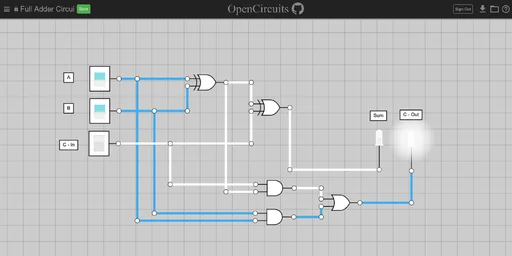
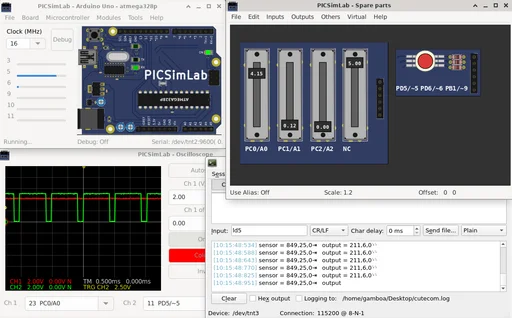
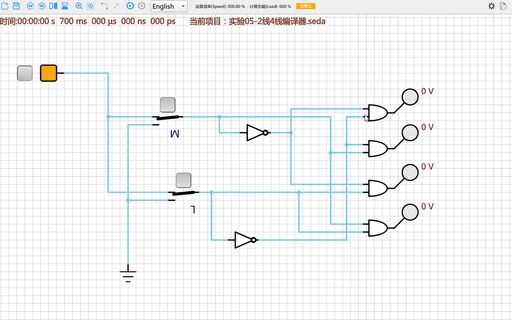
- Which PCB simulation software is the best? For analog/mixed-signal simulation, LTspice (free, industry standard) and QSPICE are top picks. For PCB-level signal integrity and thermal analysis, Ansys SIwave, HyperLynx, and Keysight ADS are industry standards. Beginners can start with free options like CircuitJS or EveryCircuit.
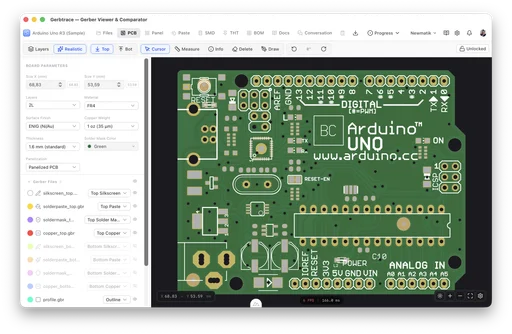
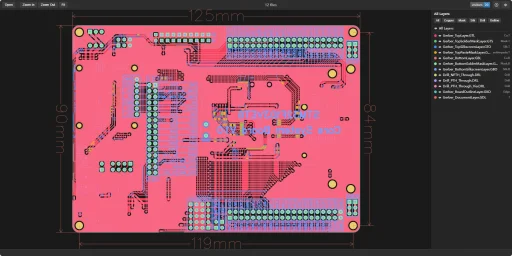
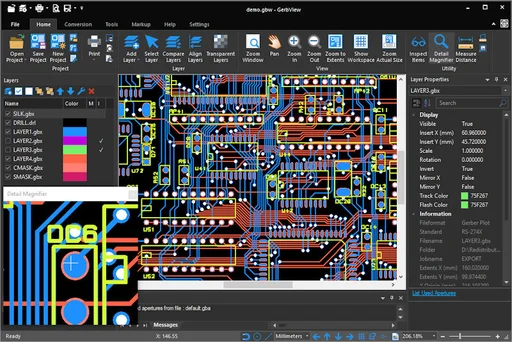
- Recommended Gerber file viewers? For viewing Gerber files online without installation, try the Gerbv Viewer, Online Gerber Viewer, or JLC 3D Viewer. For desktop use, Gerbv (open-source) and CAM350 (commercial) are popular. All support the standard RS-274X Gerber format.